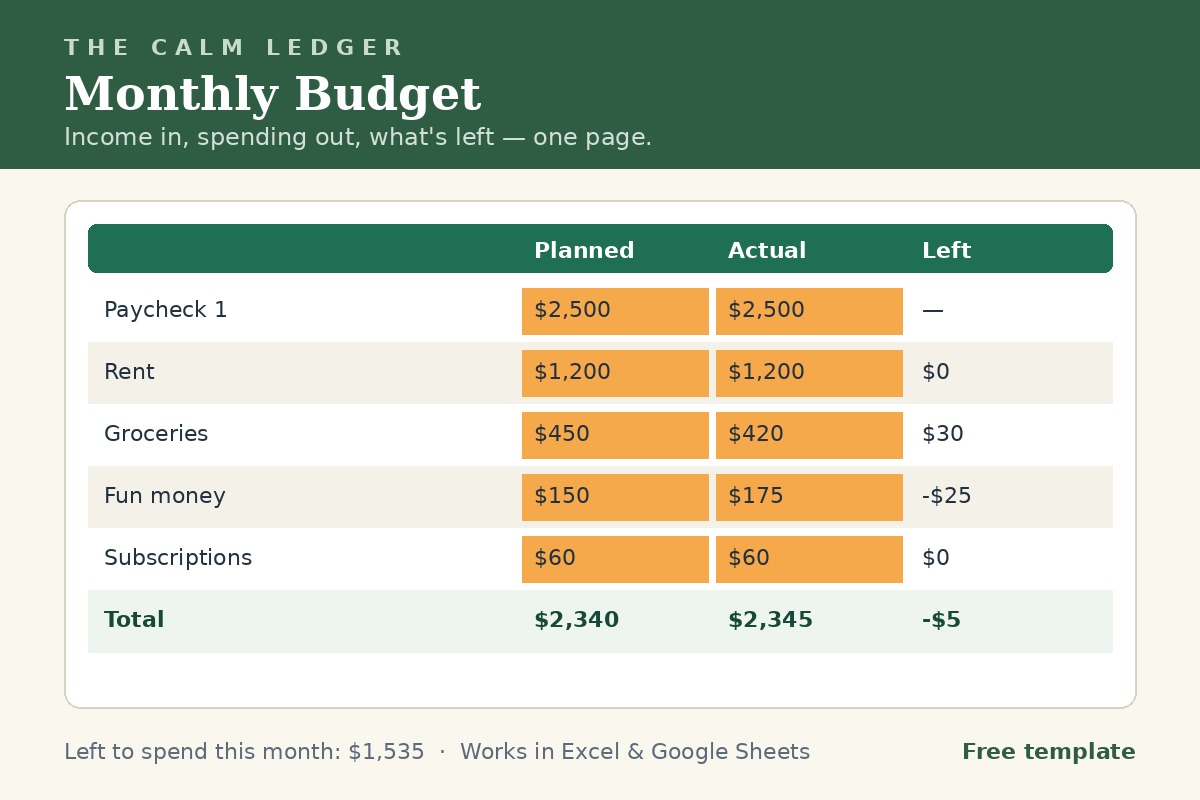
One page. Income at the top, spending below, and the number that matters — what's left — worked out for you. Download it, type in your numbers, and the formulas do the rest.
Free, no email needed. Opens in Excel or Google Sheets.
The full version plans the whole year, not one month — twelve months of income and spending in one workbook, with the same plain layout.
$4.99 The Money Map — year-round budget planner — instant download on Etsy.
Enter your email and we’ll send the free checklist that finds forgotten subscriptions and everyday money leaks. Plus occasional calm, practical money notes.
Free, always. No spam, no shame, unsubscribe anytime with one click.
Yes. No email, no signup, no card. Download the file and keep it.
Yes. Upload the .xlsx to Google Drive, open it, and choose File → Save as Google Sheets. The formulas carry over.
Yes. Rename any category row and the totals keep working — they add up whatever is in the column.
Use the planned column for what you expect and the actual column for what really landed. For pay that changes a lot, the variable-income template below fits better.